
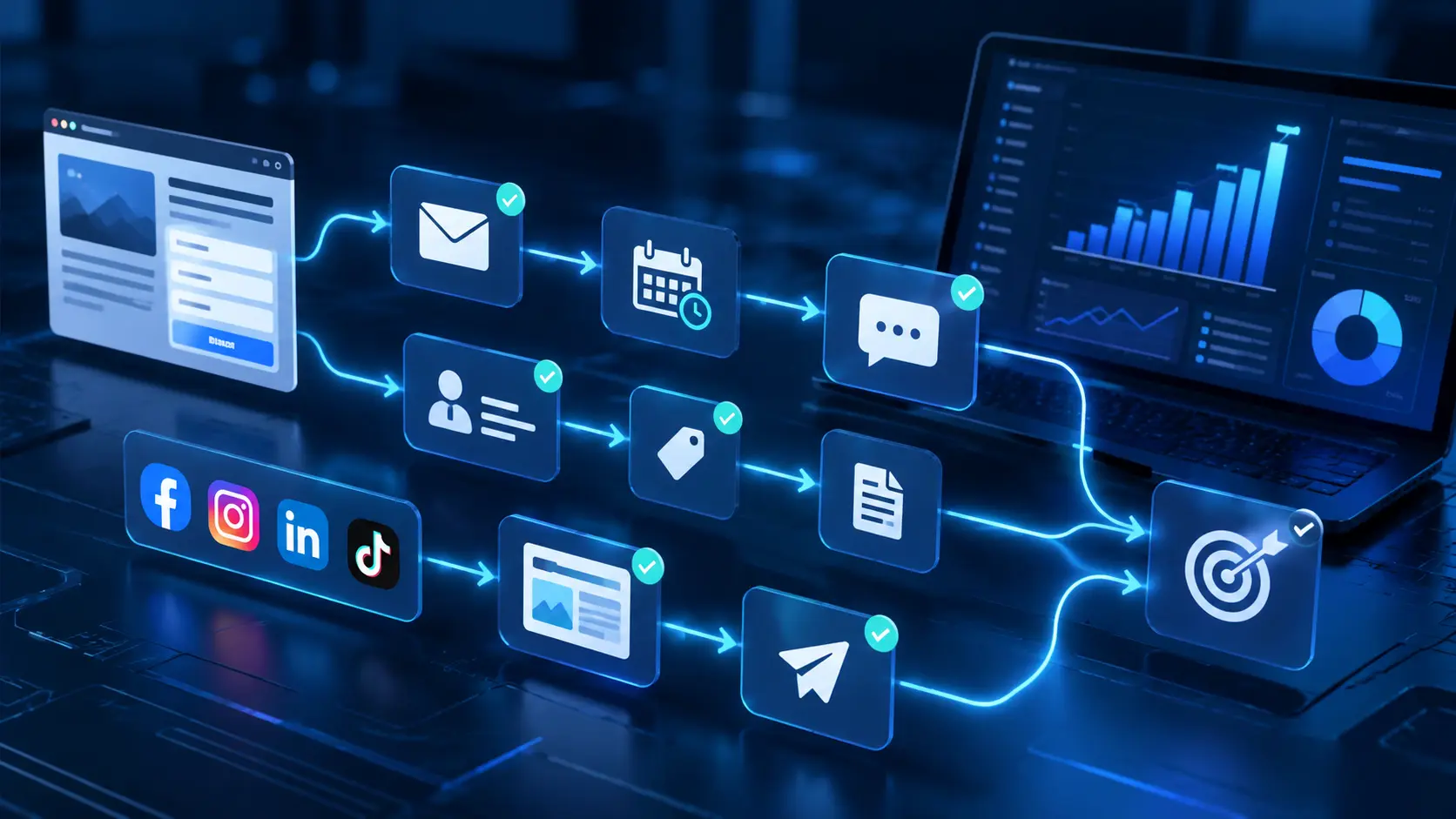
A prospect fills out a form on your website. They receive the first confirmation email, a few days later a useful guide, and then if they are still interested, a personalized offer. All of this happens without you having to write and send every single message manually.
This is one of the simplest examples of marketing automation. But the possibilities go much further: you can automate customer communication, lead management, appointment booking, individual campaign steps, and even a significant part of the sales process.
Let's see how marketing automation works, what benefits it offers, and how you can use it in your own business!
What is marketing automation?
Marketing automation means the use of software and processes that automatically execute marketing tasks based on predefined conditions.
Instead of manually sending a message to every prospect, separately managing contact data, or constantly monitoring the next step of your campaigns, you can entrust these tasks to an automated system.
Processes typically consist of three elements:
1. Event or trigger: for example, someone subscribes to a newsletter, books an appointment, or fills out a contact form.
2. Condition or decision point: the system examines which service the prospect is interested in, whether they opened a message, or what stage they are at in the sales process.
3. Automated action: sending an email or SMS, creating a task, updating CRM data, sending a notification, or triggering another automation.
The essence of marketing automation is therefore not merely saving time. It is about ensuring that prospects receive the right information at the right moment.
Why is marketing automation important for businesses?
Marketing and sales generate many repetitive tasks. Individually, these often take only a few minutes, but collectively they can consume a significant amount of time.
A well-built automation can help in several areas.
1. Less manual work
Automated confirmations, reminders, follow-up messages, and CRM updates reduce the time spent on administration.
2. Faster response to leads
When someone requests a quote, they do not necessarily have to wait until a team member reads their message. The system can immediately confirm the inquiry and start the appropriate process.
3. More consistent customer communication
Automated processes help ensure that important responses, reminders, or follow-ups are not missed.
4. Personalized marketing
Prospects do not necessarily receive the same message. Communication can be tailored to their previous activity, interests, or the current state of the customer relationship.
5. A more trackable sales process
When automations are connected to a CRM system, it is easier to see where leads come from, what steps have been taken, and where personal intervention may be needed.
7 marketing automation examples you can use in practice
Marketing automation is not exclusively for large enterprises. A smaller online store, a service business, or a marketing agency can also benefit from it.
1. Automated welcome email series
When someone subscribes to your newsletter, a multi-message series can be triggered.
The first email introduces your business, the next provides useful tips, and then in a later message, a relevant offer may appear.
This way, new subscribers do not receive a single message but gradually get to know your brand.
2. Automated quote request processing
A prospect fills out the quote request form. The system automatically creates or updates their profile in the CRM, sends a confirmation email, and notifies the responsible team member.
If no further action is taken within a specified timeframe, a reminder can also be created.
3. Appointment booking reminders
After booking an appointment online, an automatic confirmation and reminder can be sent.
This is particularly useful for consultants, beauty service providers, trainers, and any business where bookings play an important role.
4. Automated lead follow-up
Not every prospect decides after the first contact.
An automated process can send useful information or additional opportunities a few days later, provided the appropriate legal basis is available for the given communication.
The goal is not to send as many messages as possible, but to support the decision in a relevant way.
5. Customer review requests
After a successfully completed service or purchase, a review request process can be automatically triggered.
This can help make feedback collection more systematic while making it easier for customers to share their opinions.
6. Social media content preparation and scheduling
Marketing automation does not end with emails.
The social media automation — preparing, scheduling, and publishing posts — can also be organized from a central system. This makes it easier to maintain regular communication even when you need to focus on other tasks.
7. CRM data and sales status updates
When a prospect takes a new step — for example, books an appointment or replies to a message — the automation can update the associated CRM data, create a task, or forward the case to the right team member.
This reduces the chance of an important prospect being lost in the process.
Marketing automation and artificial intelligence: what is the difference?
The two terms are often mentioned together, but they do not mean the same thing.
Traditional marketing automation works according to predefined rules. For example: if someone fills out a form, send them a confirmation email.
Artificial intelligence, by contrast, can also play a role in content production, interpreting incoming messages, data analysis, and supporting certain decisions.
By combining the two, more complex processes can be created.
For example, an AI assistant can answer a prospect's frequently asked questions, gather the necessary information, and then — with the help of an automation — trigger the next customer management step.
It is important, however, that AI-generated content, decision conditions, and automations should be reviewed, especially before going live. Read our detailed guide on AI automation practical examples as well.
How to get started with marketing automation?
You do not have to automate your entire marketing process at once. Often the most effective approach is to start with a single, well-defined task.
1. Identify a recurring task
Think about which activity regularly takes up time. This could be confirming quote requests, sending appointment reminders, or logging new leads into the CRM.
2. Define the goal of the process
What exactly do you want to achieve? Faster responses, less administration, more appointments booked, or better follow-up?
The goal helps determine what kind of automation is worth building.
3. Map out the process steps
Define what event triggers the automation, what conditions need to be considered, and what should happen in the next step.
4. Test the automation
Check whether it starts at the right time, sends the message to the right person, and does not create duplicate or erroneous actions.
5. Measure the results
Observe how much time the process saves, how quickly you respond to prospects, and how the related outcomes are developing.
Then you can gradually expand the system.
Marketing automation with Sales Innovo
Sales Innovo connects many of the tasks of marketing, customer communication, and sales in a single system.
Using the platform, you can create automated workflows, manage your leads in the CRM system, build email campaigns, set up appointment booking processes, and schedule social media content.
Features built on artificial intelligence open up further possibilities.
With Ask AI, you can get support in natural language for creating automations, marketing tasks, or preparing reports. AI-based customer communication can help handle frequent questions and direct leads to the right processes.
The biggest advantage is that the various marketing and customer management tasks do not necessarily operate in isolated tools.
Discover Sales Innovo's AI marketing automation and sales automation tools in practice!
What mistakes should you avoid?
Marketing automation can help a lot, but poorly planned processes can also lead to an unpleasant customer experience.
- Too many messages: automation is not a reason to constantly communicate with leads. Relevance is more important than frequency.
- Missing personalization: not every customer is in the same situation. It is worth considering interests and previous interactions.
- Lack of testing: a faulty condition can result in messages sent at the wrong time or incorrect CRM updates.
- Ignoring privacy considerations: automated marketing communication must also comply with data protection and electronic marketing regulations.
- Operating without measurement: if you do not monitor the results, it is difficult to determine whether the automation actually improves the processes.